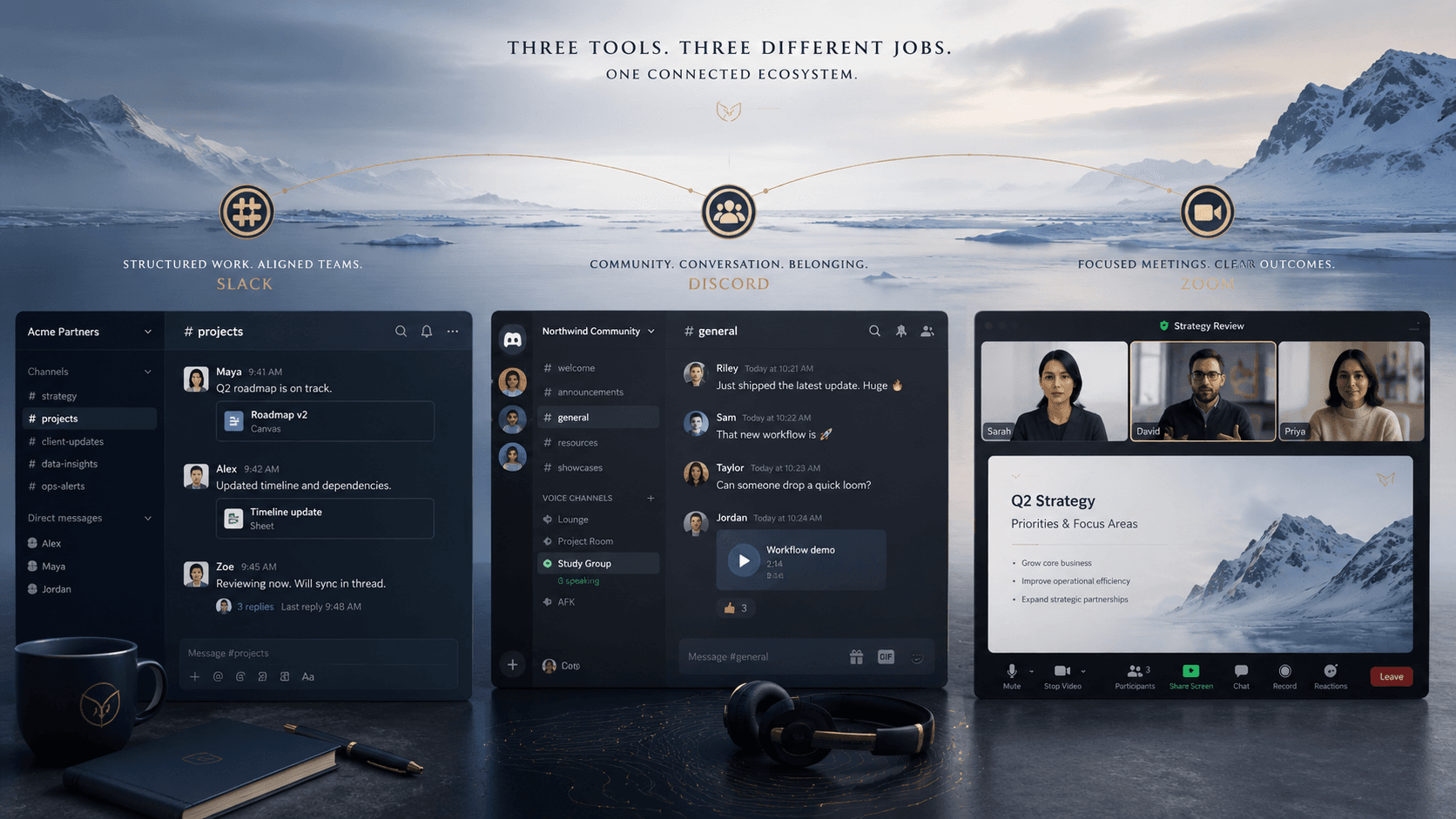
Slack, Discord, and Zoom overlap enough that businesses regularly debate swapping one for another. Each has a primary job it was built for, and understanding those jobs makes the comparison much clearer than a feature-by-feature comparison does.
Slack, Discord, and Zoom are three of the most common communication tools small businesses evaluate — and three of the most frequently confused. The confusion makes sense. Slack and Discord both organize communication into persistent channels. Discord and Zoom both support video calls and screen sharing. Slack and Zoom both offer integrations with hundreds of business apps. At the surface level, the Venn diagram has a lot of overlap.
The cleaner way to think about them is by primary job. Slack is a persistent async messaging layer for professional teams, with a strong enterprise integration ecosystem. Zoom is a scheduled video meeting platform, optimized for the moment a business faces an external audience. Discord is a persistent community platform — one that draws its roots from IRC-style text channels and Ventrilo-era voice rooms — built around ambient presence rather than scheduled meetings, and increasingly capable as an integration and automation layer.
None of them does the other's primary job especially well. The useful question is not which is better, but which job you are actually trying to fill.
Slack — async team messaging with an enterprise integration layer
Slack organizes team communication into channels by topic, project, or team, with threaded conversations to keep discussions from collapsing into noise. Its primary audience is professional teams — it is designed to be the place where internal work happens, decisions get made, and information is searchable later. Slack Connect extends this to cross-company collaboration, allowing external clients or partners to join a shared channel without needing their own Slack workspace.
Where Slack earns its cost is in native integrations. Connections to Google Workspace, Microsoft 365, GitHub, Jira, Salesforce, and hundreds of other tools are maintained, well-documented, and broadly used. Slack Huddles offer quick drop-in voice and video calls that cover most of what Discord's voice channels do. The Workflow Builder handles simple no-code automations within the platform.
The honest limitations: Slack is expensive at scale. The free tier limits message history to 90 days, which makes it impractical as a real archive. Paid tiers run roughly $7 to $13 per seat per month, which adds up for small teams. And Slack has no customer community model — it is designed for internal teams and controlled external connections, not open public servers.
Discord — ambient community and a surprisingly capable integration platform
Discord draws its structure from two older tools: IRC, the text-based protocol from the 1980s where communities organized themselves into persistent channels, and Ventrilo, the voice-over-IP software gamers used in the early 2000s to hang out together without scheduling calls. Discord combined those two models into a modern interface — persistent text channels and always-on voice rooms — and added servers with role-based permissions that can scale to hundreds of thousands of members.
For businesses, Discord's clearest advantage over Slack is cost and community capability. The core platform is free. Voice and video calls, screen sharing, and unlimited message history are included at no cost. Discord Nitro — the paid tier at around $10 per month — raises the file upload limit from 25 MB to 500 MB and enables higher-quality video. Server Boosts, funded by Nitro subscribers, unlock higher audio quality and additional features for everyone on the server.
Companies like Wooting, the keyboard manufacturer, have built Discord servers with tens of thousands of customers who receive early access to products, report bugs, participate in beta programs, and engage directly with the team. The community becomes a product development loop and a marketing channel simultaneously. This model works when the audience is enthusiast-driven — gaming-adjacent products, developer tools, niche hardware, consumer tech — and when those customers are already on Discord. It does not work for audiences who are not.
Discord's bot and integration ecosystem is a genuine business capability that often goes unnoticed. Bots can moderate channels, route notifications, answer product questions, connect external services, and give community members access to AI tools — Midjourney, one of the most widely used AI image generators, runs entirely inside Discord. Custom bots built via the Discord API can pull from internal systems: inventory updates, order notifications, status changes, delivered where the team already communicates. For businesses comfortable building simple automations, Discord functions as a lightweight integration hub as much as a communication tool.
Zoom — scheduled meetings and the professional context that comes with them
Zoom's primary job is the scheduled video meeting: a structured, time-bounded interaction between defined participants, often with someone who is not a colleague. It does this better than either Slack or Discord because it was designed specifically for it. Waiting rooms hold external participants until the host is ready. Breakout rooms split larger groups for structured workshops. Meeting links integrate with calendar invites that external clients can accept, decline, and add to their own calendar. Phone dial-in accommodates participants who cannot or prefer not to use video. Webinar mode supports large-audience presentations with controls over who can speak, share, or participate.
The professional context Zoom provides is not just a feature list — it is a signal. A meeting invitation from Zoom reads as a professional business interaction. The same invitation in Discord does not carry the same implication for most audiences outside of tech, gaming, or creator industries. For client-facing work, advisory engagements, sales conversations, or any situation where the business is being evaluated by someone outside the organization, platform choice is part of the impression.
Zoom's limitations matter too. It is not a team messaging tool. Zoom Team Chat exists but does not seriously compete with Slack or Discord for day-to-day communication. Zoom is also the most expensive of the three for basic video — paid tiers are required for meetings beyond 40 minutes. For regulated industries, Zoom offers compliance and data governance features that Discord does not.
Where they overlap and where each wins
Slack and Discord overlap most directly on internal team messaging. Discord is free and adds ambient voice; Slack is more polished for professional teams and has stronger enterprise integrations. For a small team without compliance requirements, Discord is a credible lower-cost alternative. For a team that needs audit logging, message retention policy, or native Salesforce and Jira connections, Slack is the clearer choice.
Discord and Zoom overlap on video and screen sharing, but for different use cases. Discord voice channels are better for drop-in internal calls without scheduling friction. Zoom is better for anything involving an external client, a formal structure, or more than 25 video participants. Neither fully replaces the other in their respective contexts.
Slack and Zoom overlap minimally — Slack Huddles cover quick internal video and Zoom Team Chat covers basic messaging — but neither seriously threatens the other's primary function. Most businesses that use both should continue to use both.
A practical decision framework
For internal team messaging: Slack if your team needs enterprise integrations, compliance features, or native connections to tools like Salesforce and Jira. Discord if your team is smaller, cost is a factor, and ambient voice communication is more useful than a polished enterprise messaging layer.
For external client meetings and any situation where the business is presenting itself professionally: Zoom, or Google Meet, or Microsoft Teams. Not Discord.
For customer community and open engagement with an enthusiast audience: Discord, and only Discord among these three. Neither Slack nor Zoom has a comparable model for building a public community around a product.
For bot-driven integrations and notification routing: Discord is more flexible and lower cost. Slack is more polished and better supported by enterprise vendors. The right choice depends on how much you are willing to build versus buy.
Most businesses will end up with two of the three, not one. The common combination is Slack for internal communication and Zoom for external meetings. Discord earns its place either as a lower-cost Slack replacement for smaller teams, or as a community layer for businesses whose customers are enthusiasts who want a direct line to the product.